Staff create and save a job
The staff-side Create action validates its model, adds a job record and saves it. Job entry here is staff-side, not a customer self-booking flow.
This custom-software example shows selected staff-side paths for job records, assignment planning, scheduled work and finance review. Flextech is presenting software implementation, not cleaning services.

Internal portal dashboard interface.
The source review covers four distinct staff-side tasks: creating a job, saving an assignment, importing scheduled details and preparing financial records for review.
The staff-side Create action validates its model, adds a job record and saves it. Job entry here is staff-side, not a customer self-booking flow.
When a staff slot is saved, the code checks whether the same date and session already has an assignment. If there is a match, it can request confirmation before saving the selected worker slot.
A one-way Google Calendar import maps timed events to assigned worker, start/end and scheduled-hour values. These are scheduled hours, not attendance records.
A payment date can be saved or cleared. Invoice queries filter jobs by payment state and company, then prepare totals. Statement reconciliation extracts PDF text, matches transaction details and presents matched, unmatched and pending-payment items for staff review.
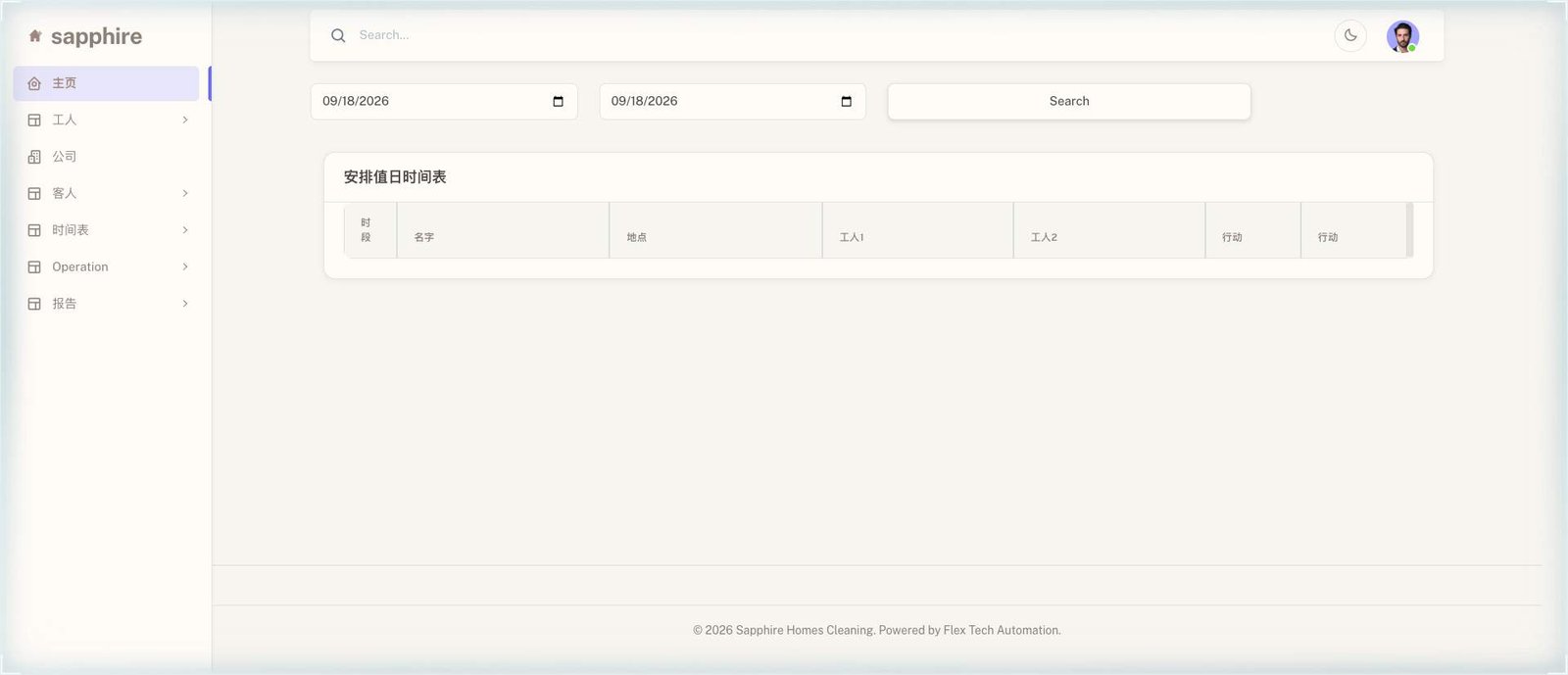
The existing screen capture shows date-range filters, a time-slot column and worker-assignment columns. The table is empty in this image.
The reviewed scheduling helper applies hand-written rules for sessions, drivers, preferences and staffing; the reviewed source does not show a machine-learning optimizer. A separate salary calculation multiplies scheduled hours by a fixed rate.
Agree what is entered by staff, which source owns each schedule, who confirms exceptions, and which values are planned versus observed. For finance, define what the software prepares for review and which person authorizes any payment or reconciliation decision.
For broader project fit, see custom software development or business automation. The existing project presentation provides more interface context.
Planning a staff timetable? Use our staff timetable requirements and acceptance checklist to define schedule fields and agree how a buyer can check the result.
Describe one repeated workflow, the people and records involved, its current source of truth, and how an owner would accept the result. Do not send passwords, access codes, tokens or customer records in an enquiry.
This page sets no price, delivery time or support term for similar work; those details must be scoped for the specific project.